Disable inspection using global suppression file
Answered

I have a project that has several Entity Framework Core model's which implement a getter only interface, however the context adds the property values for all appropriate use cases. I have uploaded two images, resharper_global_suppression_file_help_a.png and resharper_global_suppression_file_help_b.png which show the resharper options, however when I move the result of the inspection into a global file, it is ignored.
How do I move [SuppressMessage("ReSharper", "UnusedAutoPropertyAccessor.Local")] into a global suppression file so it applies to the namespace?
Please sign in to leave a comment.
Hello Joseph,
Unfortunately, no images were attached to your post.
Could you please upload them once again?
Thanks in advance.
Hi Angelina,
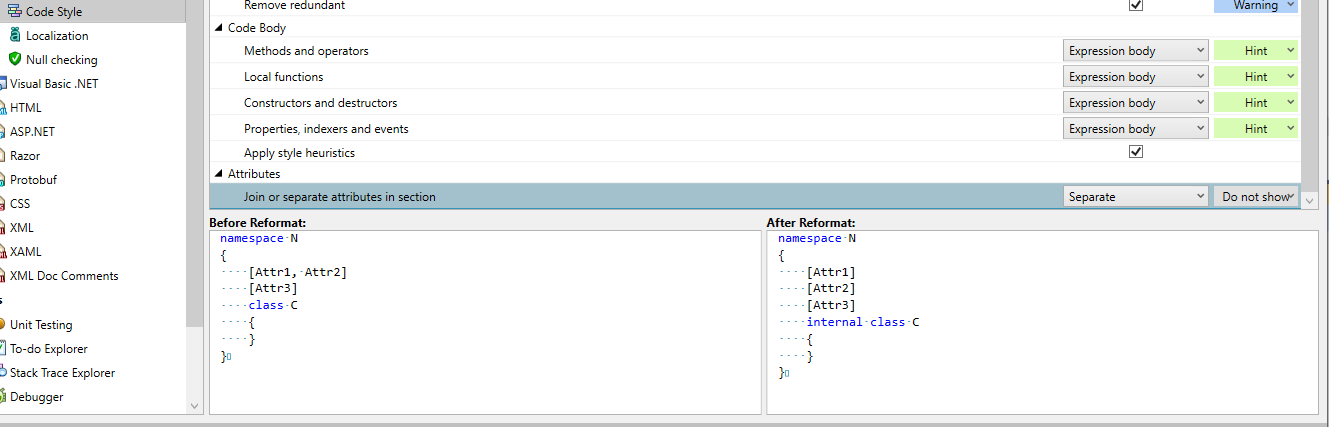
I used the web form and I did not keep a copy:( However, I was able to get the inspections disabled for the one project by using an editor config file, it turns out this had significant other benefits anyway.
Does a way to view the editor config setting without exporting before and after configurations exist within the code style menu?
Hello Joseph,
Please select ReSharper | Options | Code Editing | General Formatter Style | Edit .editorconfig interactively.. for that purpose.
Thank you.
Hi Angelina,
That's fantastic, thanks for all your help!