ReSharper 5.0 and Temporary ASP.NET Files, Bug?

Hi there
I'm using ReSharper 5.0, full edition, enabled for Visual Studio 2008 and Visual Studio 2010, on Windows 7. I have a solution in Visual Studio 2008 that includes a website project and several class library projects. Every time I build the solution in Visual Studio, many folders and files are added to the folder C:\Windows\Microsoft.NET\Framework\v2.0.50727\Temporary ASP.NET Files on my hard drive. These are never cleared, and require a manual deletion exercise. I have run out of disk space several times, with the size of this folder reaching in excess of 70GB. I have also experienced the same behaviour on a similarly configured machine, except for the OS being Windows XP. All of my colleagues using ReSharper 5.0 with the same Visual Studio solution are experiencing the same behaviour. Some screenshots, with the namespaces blurred for privacy reasons:
After deleting everything in the C:\Windows\Microsoft.NET\Framework\v2.0.50727\Temporary ASP.NET Files folder, disabling ReSharper, and building the solution in Visual Studio 2008: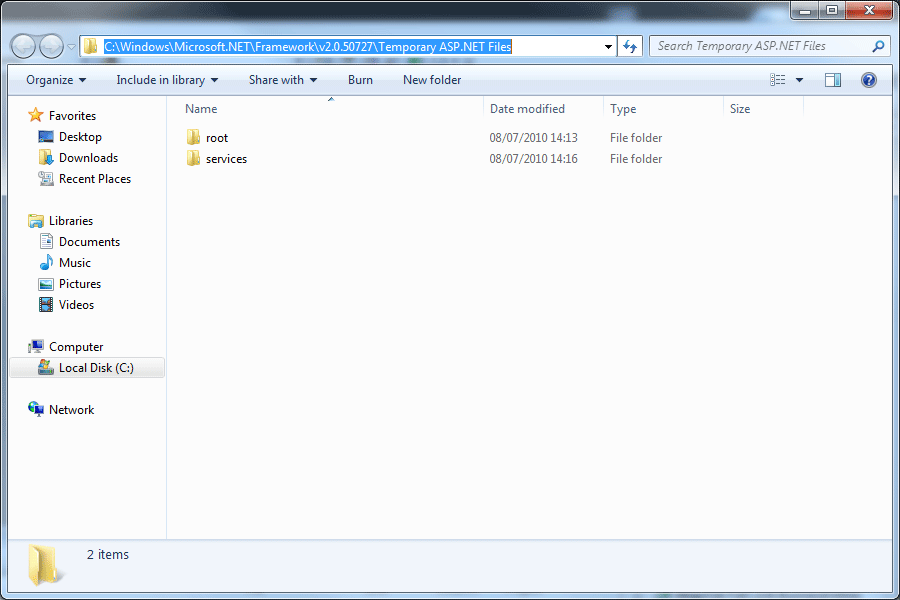
After re-enabling Resharper 5.0, and building the solution in Visual Studio 2008: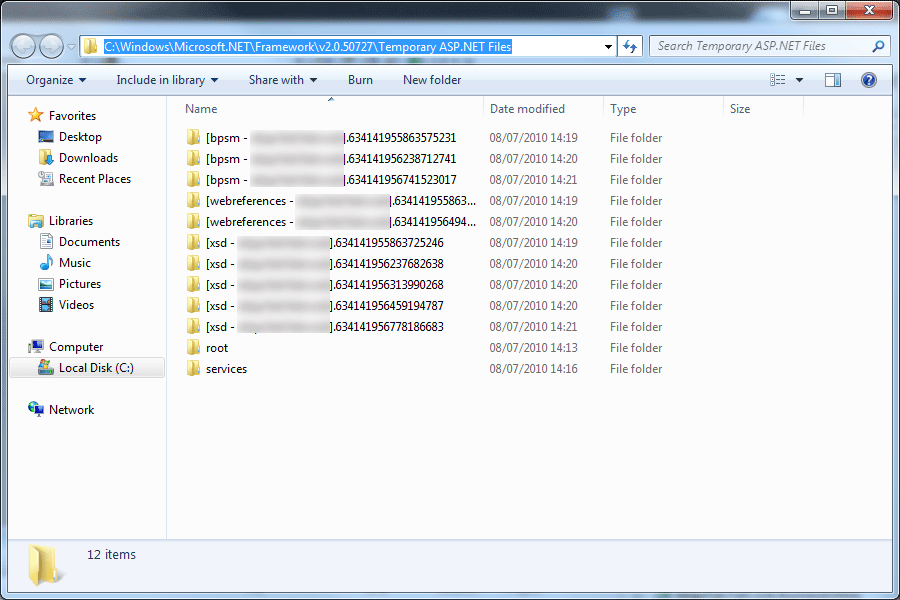
After building the solution for a second time in Visual Studio 2008 with ReSharper still enabled: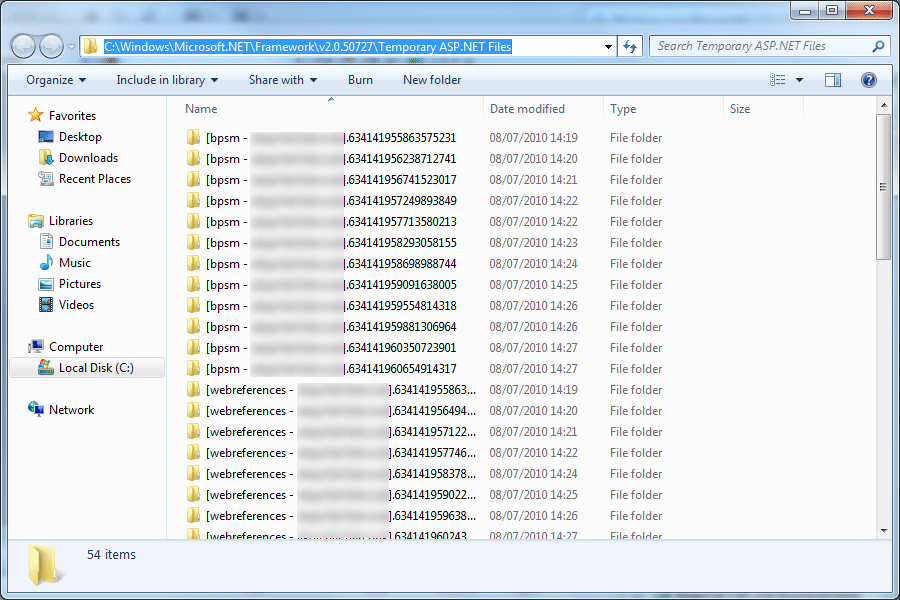
These folders and files keep multiplying after every build, until they are manually cleared. I will be unable to supply this solution or any of the projects referenced within it due to intellectual property restrictions, but I will be happy to provide answers to any questions that you require in order to fix this issue. I also note that this project appears to have existed (and fixed) in previous version http://devnet.jetbrains.net/message/5221421#5221421.
Many thanks in advance for your assistance in this matter, and I look forward to some feedback.
Please sign in to leave a comment.
Hello Chris,
Could you please attach a small sample solution which would exhibit this
behavior?
Andrey Serebryansky
Support Engineer
JetBrains, Inc
http://www.jetbrains.com
"Develop with pleasure!"
Andrey
Someone pointed out to me that version 5.1 was released pretty recently, and after installing this version I'm no longer experiencing the same behaviour. Many thanks for your attention anyway, but it appears that one of your colleagues has helpfully already fixed this issue :).
Cheers!
--
Chris Marsh