How to change Build & Run window colors?

Hello!
I've just enabled the Resharper Build feature and so far i'm liking it very much. However, the color scheme of the Build & Run window clashes a lot with the rest of my Studio. Is there no option to configure it's colors? Just changing the light grey to a dark one would help a lot.
Please sign in to leave a comment.
I just noticed that my colegue does not have this issue, his Build & Run follows the dark color scheme. Mine looks like this: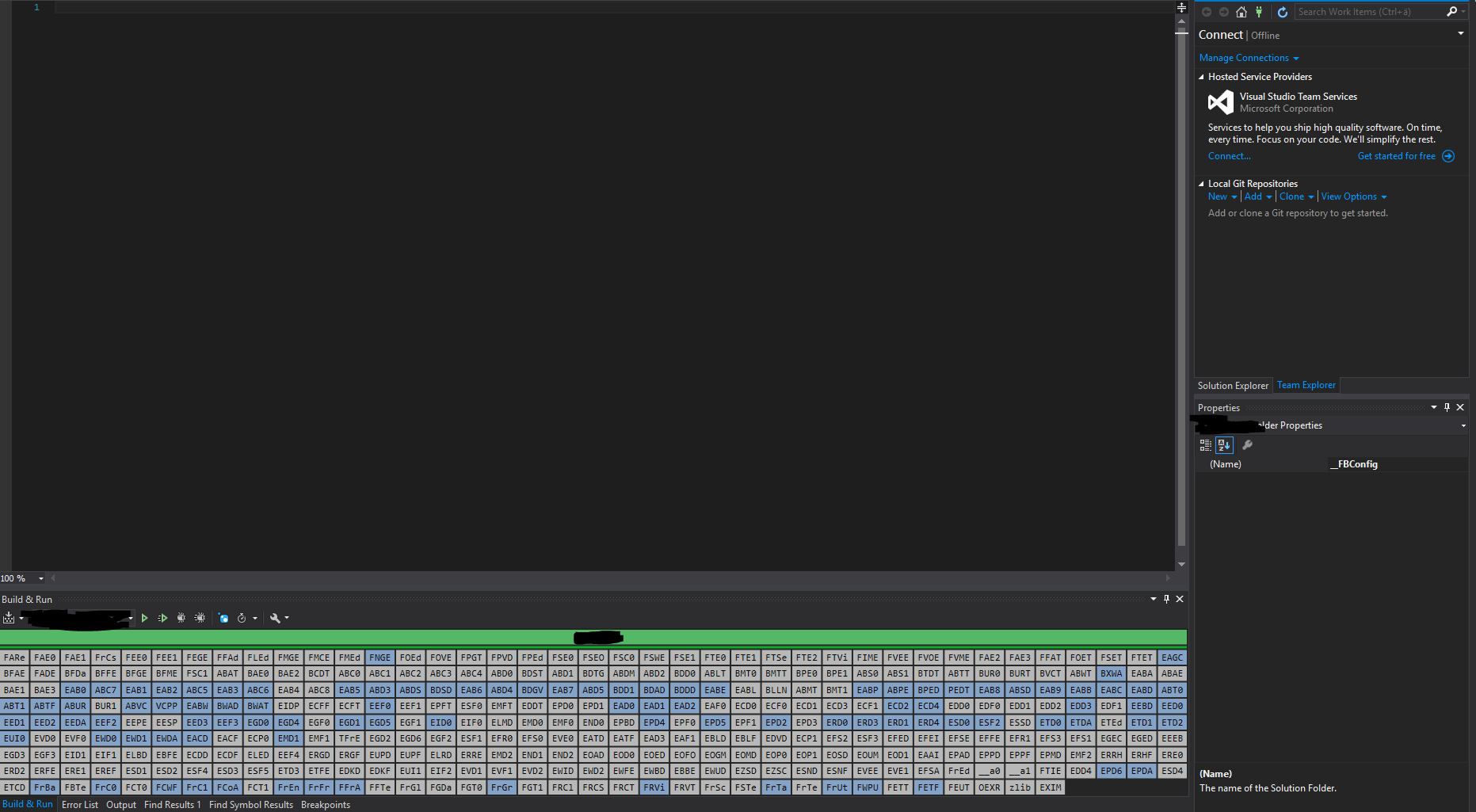
Hello!
Thank you for contacting us.
Colors of project in R# Build and Run window depend on project build state: grey color means that the project wasn't built (for detailed information please refer to the following help page - https://www.jetbrains.com/help/resharper/Building_Solution.html#d6856e112)
Thank you;