How can I cache .NET pdb file?

Hi,
I am using Visual Studio 2010 and Resharper 6.1.
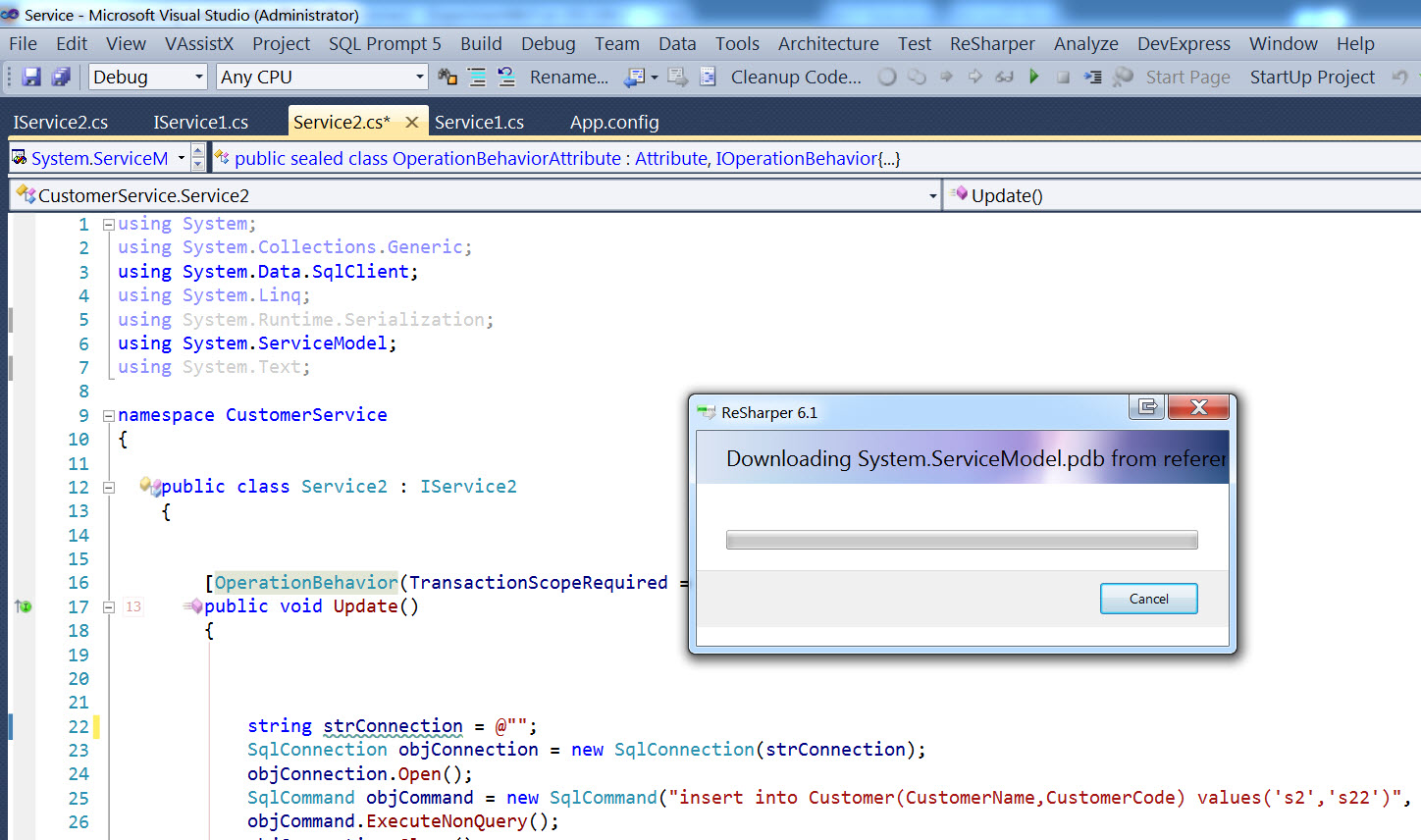
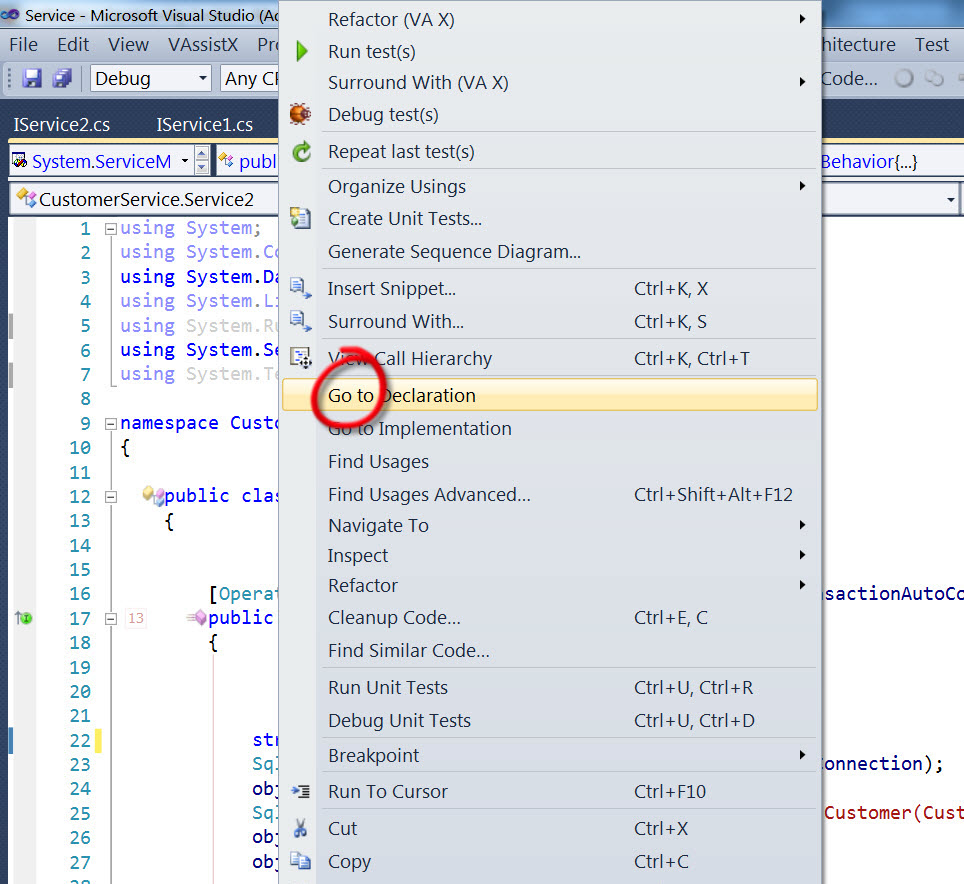
When I click “Navigate to Declaration” in the right click menu in any class of .NET framework, a window pops up titled “Downloading ****.pdb from refere…”.
And if I click the same .NET class again, the Resharper will download the same pdb again. It seems that the .NET pdb file is not cached.
It’s a little annoying as the downloading will take several second to finish. Please see picture.
http://i41.tinypic.com/5phbtj.jpg

http://i41.tinypic.com/11l3o8j.jpg

http://i39.tinypic.com/1z4hb1d.jpg

How can I cache those .NET pdb file?
Thanks
Attachment(s):
3.jpg
2.jpg
1.jpg

Please sign in to leave a comment.
Hello
This looks like a bug to me. Could you please open ReSharper | Options | Tools | External Sources, click 'Support Information' and attach this information here? Thank you!
Andrey Serebryansky
Senior Support Engineer
JetBrains, Inc
http://www.jetbrains.com
"Develop with pleasure!"
Hmm... I become to wonder where .pdb files are actually saved.
Does R# respect VS settings located in Options/Debugging/Symbols/Cache symbols in this directory, or does R# define it somewhere else?
Hello,
ReSharper does store downloaded sources in the temporary directory. It does not use the VS option for now.
Thanks!
IC. Is "temporary directory" you meant "%TEMP%" directory? If so, is it possible to move it somewhere else?
Yes; however this location cannot be changed, unfortunately.
If you don't wish to download sources from remote server, you may uncheck the corresponding checkbox in the settings (shown on screen).
Hope this helps.
Attachment(s):
screen324.png
No, actually I want the opposites.
I want .pdb and source files downloaded. And also, I want to be able to specify where they should be saved.
I have a habit of cleaning %TEMP% folder every two weeks or so. If I clean it, then it means I'd lose them, and I'd have to re-download the whole things again. I don't like to do that.
I think it's better to have an option/setting such as one in VS I've mentioned before. I assume those .pdb and source files aren't temporary files; the generated, decompiled source files might be so. So, I think I'll create a new YouTrack issue for this.
Thanks.
Hi Maximilian,
Thanks for clarifying. No need for you to create a feature request, I've already done it here: http://youtrack.jetbrains.com/issue/RSRP-329921.
Thank you.
Thanks, Alex. That's very kind of you.