aspx - embedded codeblock is shown as an error in javascript section
Answered

What can I do, that this is not marked as an error?
<SCRIPT type="text/javascript">
function GoBack() {
location.href = "<% Response.Write(GetReturnUrl()); %>";}
</SCRIPT>
Thanks.
Please sign in to leave a comment.
Have you tried:
I don't know if it will make any difference, but at least it's shorter. :)
it's shorter, but no difference. :-) This is only one example of many. Blocks with <% %> are errors in script section.
I use 2017.1.2 with Visual Studio 2015. And in an earlier version of Resharper it was no error.
But I can build the solution with no errors. The errorlist of Visual Stuido has no errors.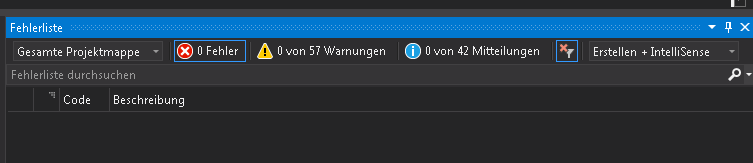

Or ReSharper is more restrictive with writing code in aspx files. Some errors are ok, like css or html syntax.
This behavior is also with the RIDER.
Hi!
Please, follow the issue you`ve created - https://youtrack.jetbrains.com/issue/RSRP-464918
ok. thanks :-)