Hello Michael, thank you for contacting us. Does it happen for all solutions or only for specific one? Could you please send us this graphml file? Thank you!
Here is a couple of the nodes. Key d3 has the name. When opened with graphxml view/editor (I tried more than one), It happens with a very simple solution and with the giant monster one that I am trying to clean up the code.
Hello, thank you for the answer. What do you mean by 'labels'? Could you please provide more details? What version of ReSharper do you have? Thank you!
Michael, there is no such thing as label in graphml. There are just nodes with one or more attached data (display_name, as you pointed out, is written in the property named d3).
No, I didn't say that you need manually edit each node (I do not even quite understand the task that you are facing). I only said, that for each node more than label (so to speak) are defined. You can usually select the preferred label in the viewer you are using, but not all viewer supports this. Some of viewer relay on some proprietary naming scheme and it is impossible to support all of these.
The text displayed on the diagram in ReSharper is located in the data field called "display_name".
I have a very complex .Net solution. I am new to the project and have to plan a migration from 3.5 to 4.8.1. I am using Yed and I see the Display_name property with the correct value. I need those properties to be displayed on the graph. So I can further analyze the solution. If I zoom in there is still not label/display name. and thanks for the advice, I do appreciate it.

thank you for contacting us.
Does it happen for all solutions or only for specific one?
Could you please send us this graphml file?
Thank you!
Here is a couple of the nodes. Key d3 has the name. When opened with graphxml view/editor (I tried more than one), It happens with a very simple solution and with the giant monster one that I am trying to clean up the code.
thank you for the answer.
What do you mean by 'labels'?
Could you please provide more details?
What version of ReSharper do you have?
Thank you!
Michael, there is no such thing as label in graphml. There are just nodes with one or more attached data (display_name, as you pointed out, is written in the property named d3).
In yEd Graph Editor editor you can map custom property to title of the node (https://yed.yworks.com/support/manual/properties_mapper.html)
ReSharper 2022.3.20221205.173206
If there are no labels, what is the text that is displayed on the diagram by ReSharper in Visual Studio?
Alexander Ulitin, Are you saying I would manually edit each node?
Thank you
No, I didn't say that you need manually edit each node (I do not even quite understand the task that you are facing). I only said, that for each node more than label (so to speak) are defined. You can usually select the preferred label in the viewer you are using, but not all viewer supports this. Some of viewer relay on some proprietary naming scheme and it is impossible to support all of these.
The text displayed on the diagram in ReSharper is located in the data field called "display_name".
I have a very complex .Net solution. I am new to the project and have to plan a migration from 3.5 to 4.8.1. I am using Yed and I see the Display_name property with the correct value. I need those properties to be displayed on the graph. So I can further analyze the solution.
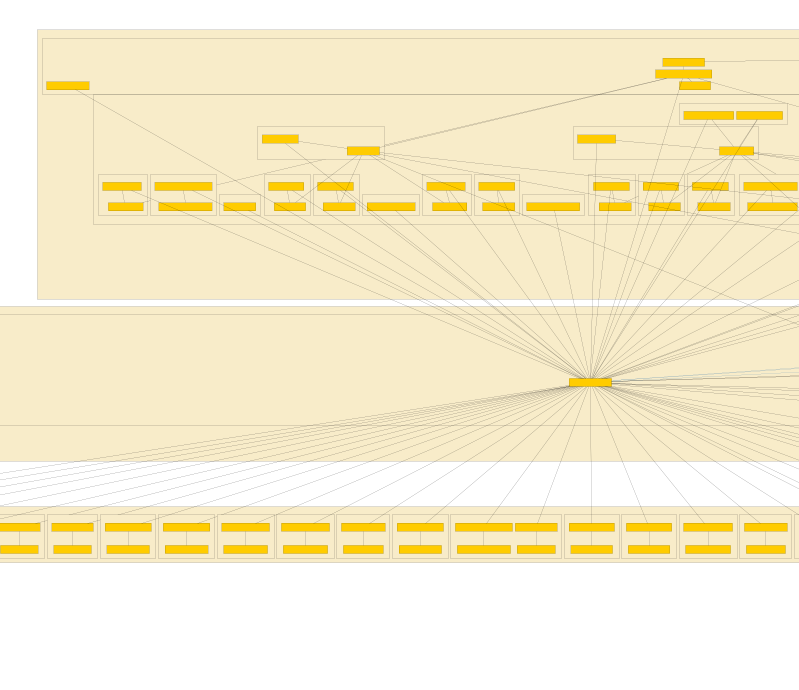
If I zoom in there is still not label/display name. and thanks for the advice, I do appreciate it.
Note that there is no value in NodeLabel. Only attributes. If I add a value to the node I then get the value displayed on the graph correctly.